Magento 2 Table Rates Generator
Generate Magento's tablerates.csv with Country, Region, and Zip support — no spreadsheets.
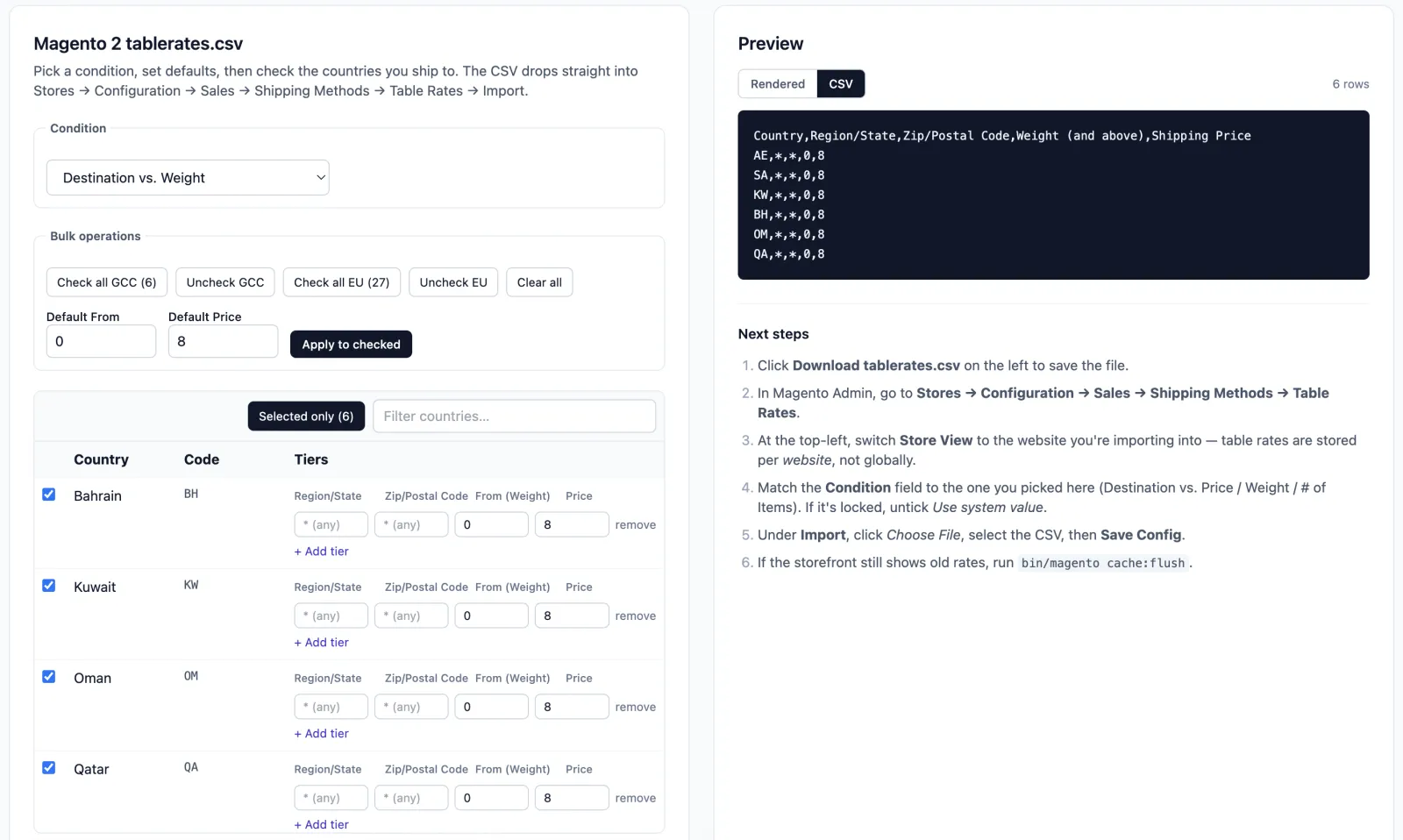

What Magento 2 Table Rates Generator does
- ✓ All ~250 countries with EU / non-EU / European bulk presets — check a group, set defaults once, override the outliers
- ✓ Region/State and Zip/Postal Code columns are optional toggles — generate country-level rates by default, granular rates when you need them
- ✓ Three conditions: Destination vs. Order Subtotal, Weight, or # of Items — matches Magento's Table Rates dropdown one-to-one
- ✓ Multi-tier rates per destination — add as many (From subtotal → Shipping Price) rows per country as you need
- ✓ Live CSV preview with Magento-exact column order, ISO alpha-2 country codes, and `*` placeholders for any-region / any-zip
- ✓ Drops straight into Stores → Configuration → Sales → Shipping Methods → Table Rates → Import — no spreadsheet step
How it works
Pick your condition
Price, Weight, or item count — matches the option you'll select in Magento's Table Rates configuration before importing.
Set per-country rates
Bulk-select EU defaults, apply a default rate, then tweak the outliers. Toggle Region or Zip on if your store needs sub-country rules (e.g. Italy/Sicily).
Download tablerates.csv
Drop the file into Stores → Configuration → Sales → Shipping Methods → Table Rates → Import. Magento validates and applies — no further fiddling.
Frequently asked about Magento 2 Table Rates Generator
What CSV format does Magento expect? +
Five columns in this order: Country (ISO 3166-1 alpha-2 code, e.g. DE / US), Region/State, Zip/Postal Code, the matching condition column (Order Subtotal / Weight / # of Items 'and above'), and Shipping Price. Use * for any-region or any-zip rows. The generator emits this shape verbatim.
Why ISO alpha-2 codes instead of country names? +
Magento's importer rejects full names with 'Invalid Country Name'. The generator always emits the 2-letter code (DE, US, GB, …) — you'll see the full name in the form for readability, but the CSV uses codes.
Can I use this for multiple stores or websites? +
Yes — generate once per store-view scope. Magento applies the table rates per scope, so different countries / prices per scope is fine. Re-export when rates change; nothing is locked in.
What's the difference between Price, Weight, and # of Items? +
Price evaluates the cart subtotal. Weight evaluates the total cart weight (Magento's product weight × qty). # of Items evaluates the cart item count. Pick whichever matches how you charge — Magento applies the matching row for the customer's destination.
Do I need to fill in every country? +
No. Only checked countries with at least one tier appear in the CSV. Unchecked countries are simply not in the rate table — Magento falls back to whatever shipping method handles the rest.
How do tiers work? +
Each tier is a (From → Price) pair. Magento picks the highest 'From' threshold the cart meets and applies that price. So 0 → 12.50 plus 100 → 0 means 'flat 12.50 below 100, free shipping at 100+'.
Can I import the resulting CSV into Hyvä / Adobe Commerce Cloud? +
Yes. The CSV format is shared across Magento Open Source, Adobe Commerce, and Adobe Commerce Cloud. Hyvä is a frontend theme — shipping configuration is unchanged.
Related tools
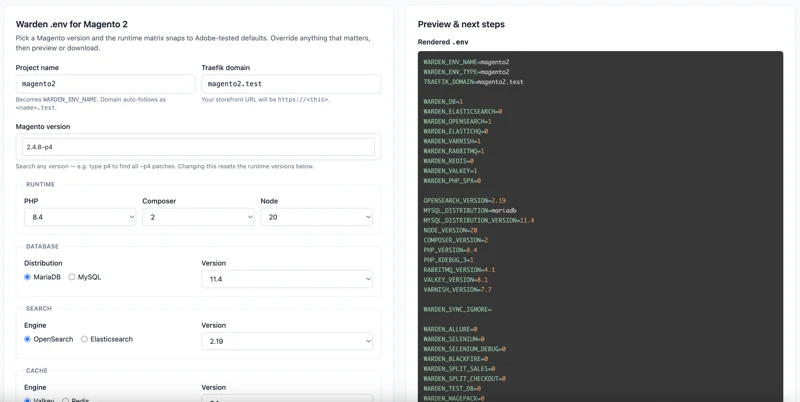
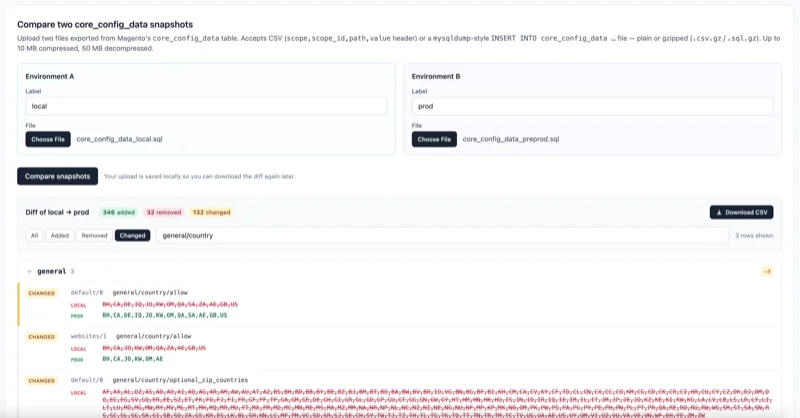
Every Magento dev tool, in one hosted workspace.
Free to sign up. Nothing to install. Drafts, audits, and projects saved across every tool.