Magento 2 README Generator
Polished README.md for your Magento extension in under a minute.

What Magento 2 README Generator does
- ✓ Pre-built field set covering module name, author, description, installation, configuration, usage, and compatibility
- ✓ GitHub-Flavored Markdown output — renders cleanly on GitHub, Packagist, and your module's repo
- ✓ Sensible defaults for Magento 2 install steps (composer require, setup:upgrade, cache flush)
- ✓ Badges for Magento version support, composer package name, and license
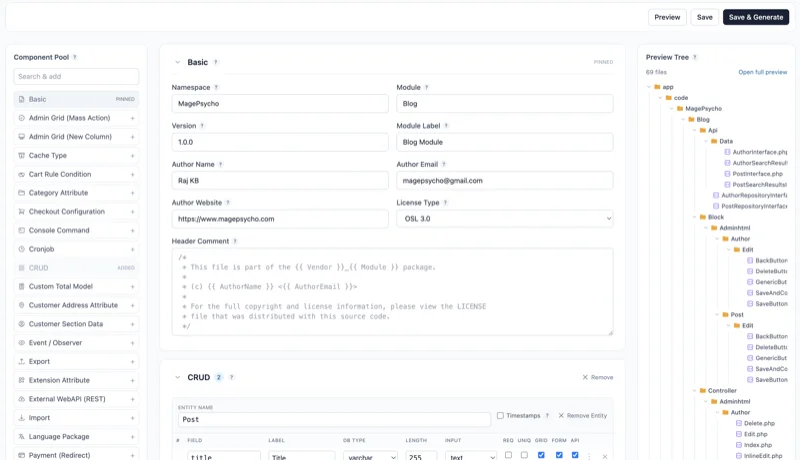
- ✓ Live preview pane — every field update re-renders the markdown instantly
- ✓ Drafts saved to your account — edit, duplicate, or export again later
How it works
Fill the form
Module name, author URL, one-line description, and any extra sections your extension needs.
Preview live
The markdown re-renders as you type. Tweak the wording until it reads the way you want.
Export + commit
Copy the markdown to your clipboard, paste into README.md at your module root, commit.
Frequently asked about Magento 2 README Generator
Which markdown flavor does it use? +
GitHub Flavored Markdown — tables, fenced code blocks, task lists. Renders identically on GitHub, Packagist, and most markdown viewers.
Can I save multiple drafts per module? +
Yes. Each README is stored per-account. Edit or duplicate anytime from the tool page.
Does it follow Adobe's Marketplace README guidance? +
Yes — the default template covers the sections Adobe reviewers look for (title, overview, features, installation, compatibility, support).
Can I customize the template? +
The default template is tuned for Magento extensions. Custom template editing is a Pro-tier feature coming later.
What about Mermaid diagrams for architecture sections? +
Mermaid renders on GitHub but not Packagist. If your README will live on both, use static diagrams (SVG or PNG) instead.
Related tools
Every Magento dev tool, in one hosted workspace.
Free to sign up. Nothing to install. Drafts, audits, and projects saved across every tool.