Magento 2 Cron Jobs Catalog
Every core scheduled task with frequency, handler class, and a copy-paste crontab.xml.
What Magento 2 Cron Jobs Catalog does
- ✓ Every cron job declared by Magento 2 core's crontab.xml files — Catalog, Sales, Customer, Indexer, Newsletter, Sitemap, and 25+ more modules
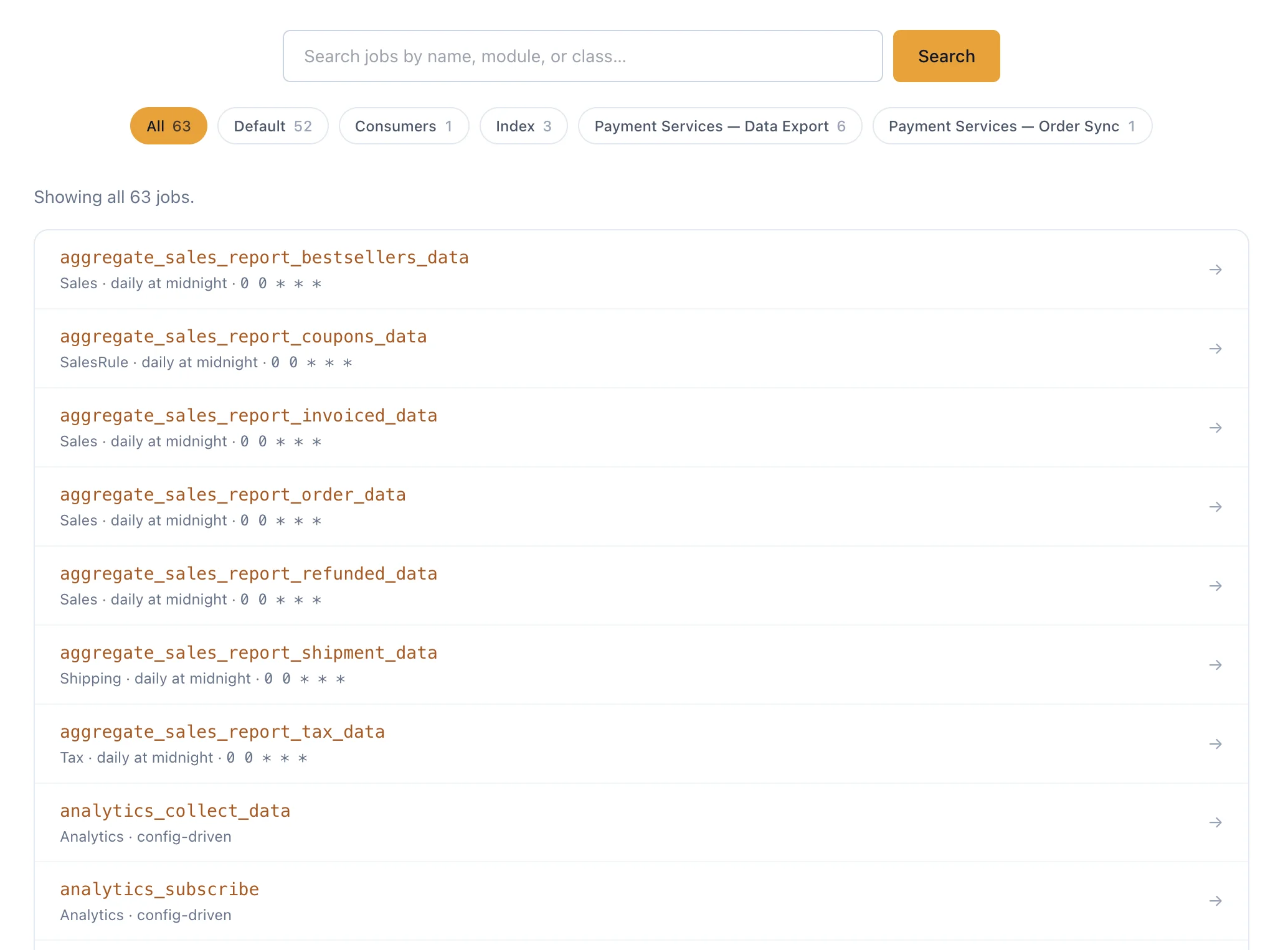
- ✓ Filter by group (default, index, consumers, payment_services_*) — one click, URL changes, every permutation is a shareable indexable page
- ✓ Server-side search by job name, module, or handler class — each query is a clean URL Google can crawl
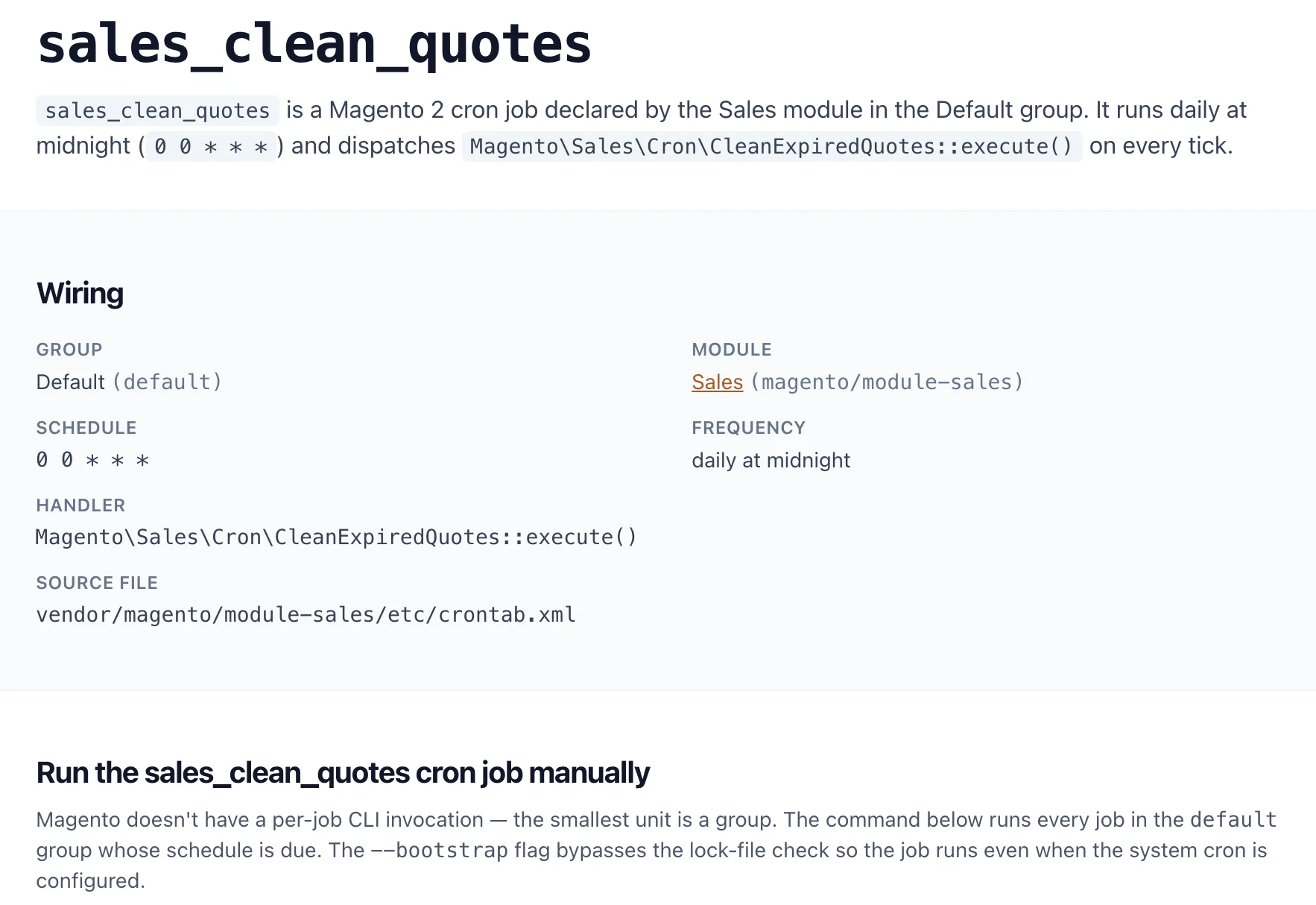
- ✓ Per-job detail page: schedule (literal cron expression OR admin config_path), frequency in plain English, handler class + method, source file path
- ✓ Distinguishes hard-coded schedules from admin-config-driven ones so you know which jobs the merchant can retune in System → Configuration
- ✓ Ready-to-copy crontab.xml snippet + handler-class skeleton on every detail page — paste, rename, adjust, ship
- ✓ BreadcrumbList JSON-LD on every detail page — eligible for Google's rich-result breadcrumbs in SERPs
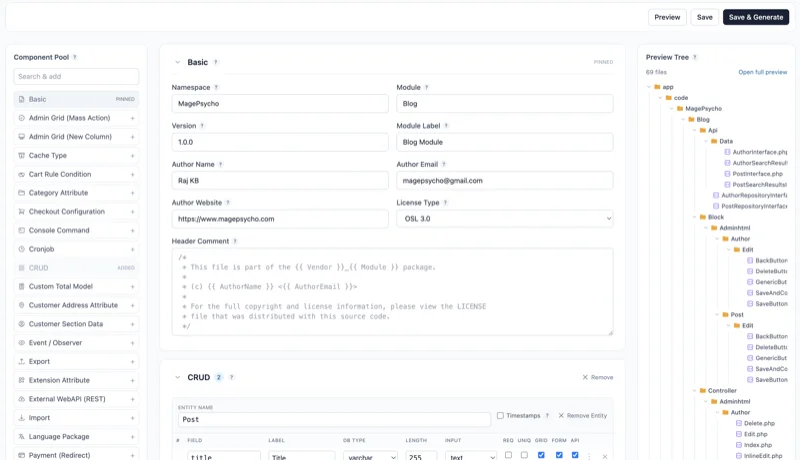
- ✓ Deep link from any job directly into the Module Generator to scaffold a cron-enabled module around it
How it works
Search or filter
Type a job name (e.g. catalog_product_alert) or pick a group chip (Default, Index, Consumers) to scope to exactly the cron group you care about.
Inspect the wiring
Open any job — see its schedule, frequency in plain English, handler class + method, the module that owns it, and the source crontab.xml line.
Copy the boilerplate
Paste the ready-made crontab.xml + handler-class skeleton into your module, or click through to the Module Generator to scaffold a full module around the cron job.
Frequently asked about Magento 2 Cron Jobs Catalog
Which Magento version is the catalog from? +
Magento 2.4.9 (current release). The version banner is visible on every page. Refreshed when Adobe ships patches that add or change cron jobs.
How is the catalog built? +
scripts/crongen walks every vendor/magento/module-*/etc/crontab.xml plus vendor/paypal/module-*/etc/crontab.xml in a pinned Magento source tree, parses each <job> entry, and emits a normalised JSON file embedded into the binary. Re-run on every Magento upgrade.
Are custom-module cron jobs covered? +
No — core jobs only. Uploading your own module for a per-install cron catalog is a roadmap feature.
What's the difference between schedule and config_path? +
<schedule> hard-codes the cron expression in the XML — the merchant can't change it without code edits. <config_path> points at an admin System → Configuration field whose value is the cron expression — the merchant can retune the schedule from the admin UI without a deploy. Both are surfaced explicitly on each job page.
What are cron groups? +
Magento splits cron jobs into named groups so each group can run on its own crontab schedule (different bin/magento cron:run --group=… invocations). default is the catch-all; index runs all reindex jobs; consumers runs message-queue consumers; payment_services_* groups isolate Adobe Payment Services workflows.
Does it cover Magento 1? +
No. Magento 1's cron mechanism is different and the job catalog has no overlap. Magento 2 / Adobe Commerce 2.4.x only.
Related tools
Every Magento dev tool, in one hosted workspace.
Free to sign up. Nothing to install. Drafts, audits, and projects saved across every tool.